How to Prepare Book Files for Printing, Right the First Time
Impress Printing · 15 January 2024
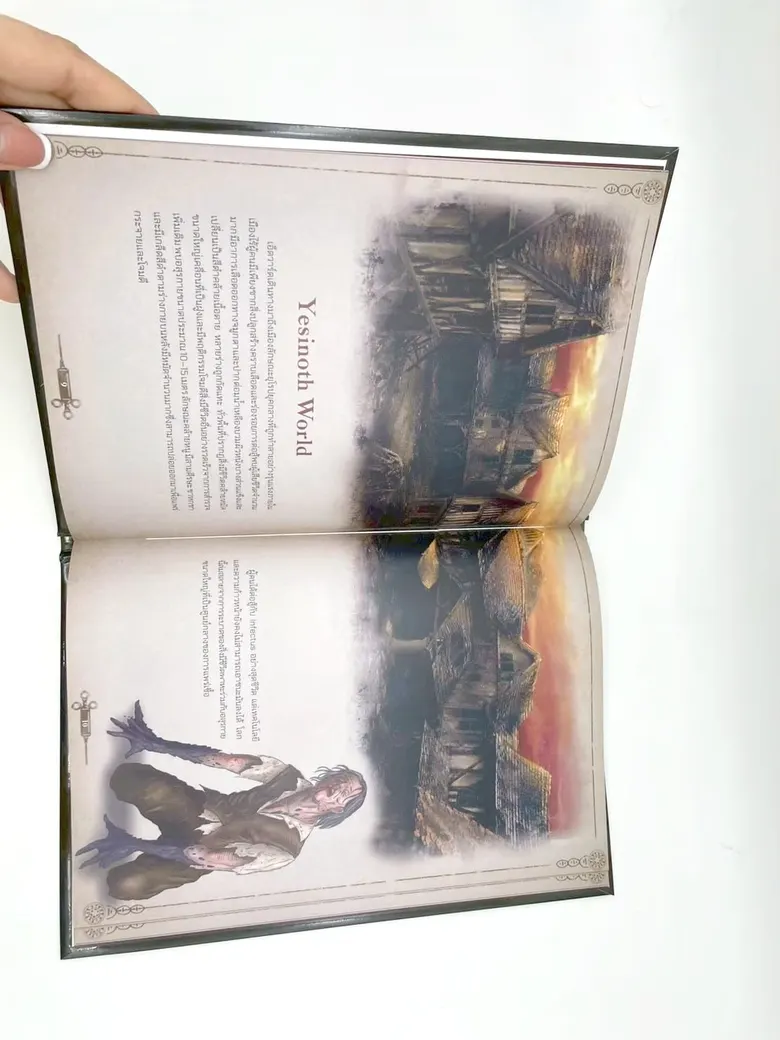
Files that are print-ready from the start avoid back-and-forth fixes and give a book that matches what you see on screen. These are the things we check every time we receive a book file.
1. Set the page to the real book size
Set the document to the finished, trimmed size, for example A5 is 148 × 210 mm. Do not design at A4 and shrink it, or the text and margins shrink too.
2. Add 3 mm bleed on each side
If a picture or background colour runs to the edge, extend it 3 mm past the edge on each side so no white line shows after trimming. Keep text and page numbers at least 5 mm from the trim.
3. Leave a wider inner margin
A perfect-bound book does not open fully like a ring binder, so text close to the spine disappears into the gutter. The thicker the book, the wider the inner margin should be.
4. Images at 300 dpi at the printed size
Images from websites, or forwarded several times through chat apps, are often low resolution and print blurry. Use the original files from the camera or the artist. If unsure, send them to us to check.
5. Use CMYK colour
Screens show RGB colour, which is brighter than ink can reproduce, especially vivid greens, blues and neon pinks. Convert to CMYK before sending to see colour closer to the printed result.
6. Embed fonts or convert to outlines
Some Thai fonts are not on the print shop’s computers. If they are not embedded, vowels and tone marks can shift or the font can change. Choose “embed all fonts” when exporting the PDF.
7. Separate the cover and inner files
- Inner file: single pages in reading order (not spreads).
- Cover file: one sheet, back cover – spine – front cover. Spine width depends on page count and paper; ask us before making the cover and we will calculate it.
8. Saddle stitch needs pages in multiples of 4
A saddle-stitched book is folded from sheets of 4 pages each. If the page count does not divide by 4, blank pages are added at the back. Perfect-bound books do not have this limit.
Where to send files
Send them on LINE @impress-print or email info@im-press.co. Large files can be sent as a Google Drive link. We check every file before printing.
Have something to print? Send the details on LINE. We reply during opening hours, Monday–Friday 8:30–17:30.
Add LINE @impress-print